01
Conversion drops, flagged
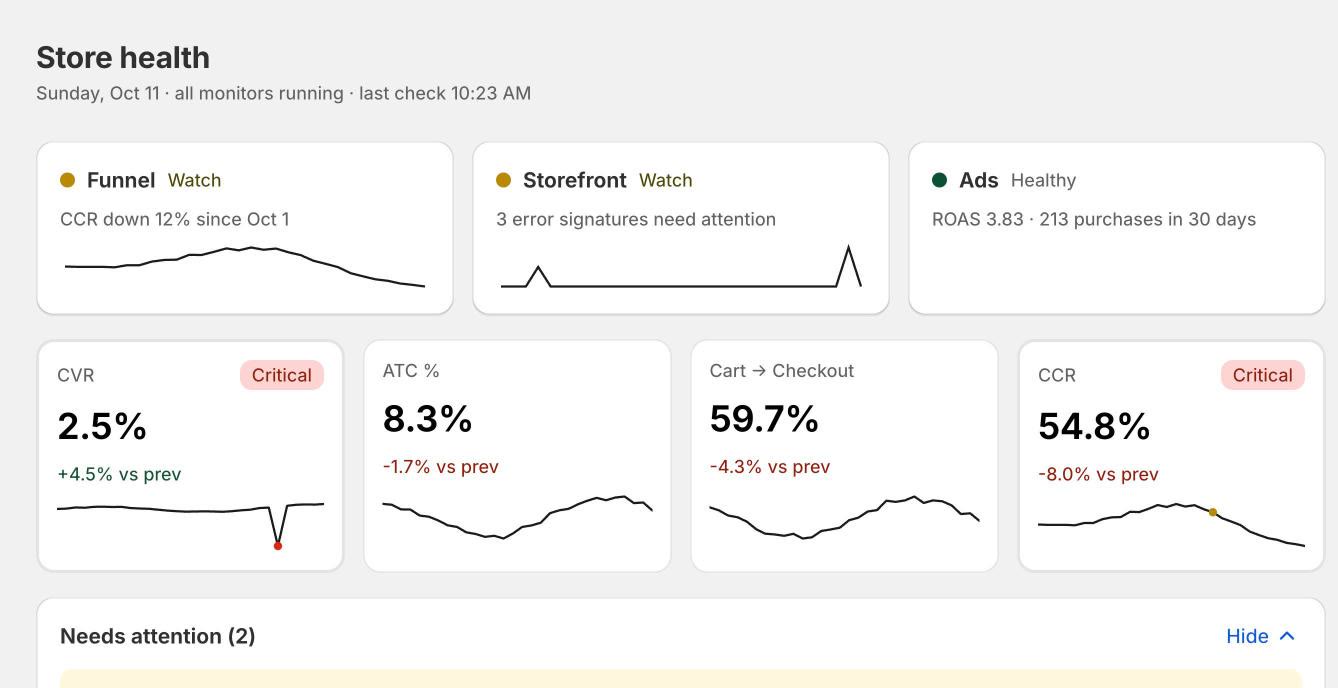
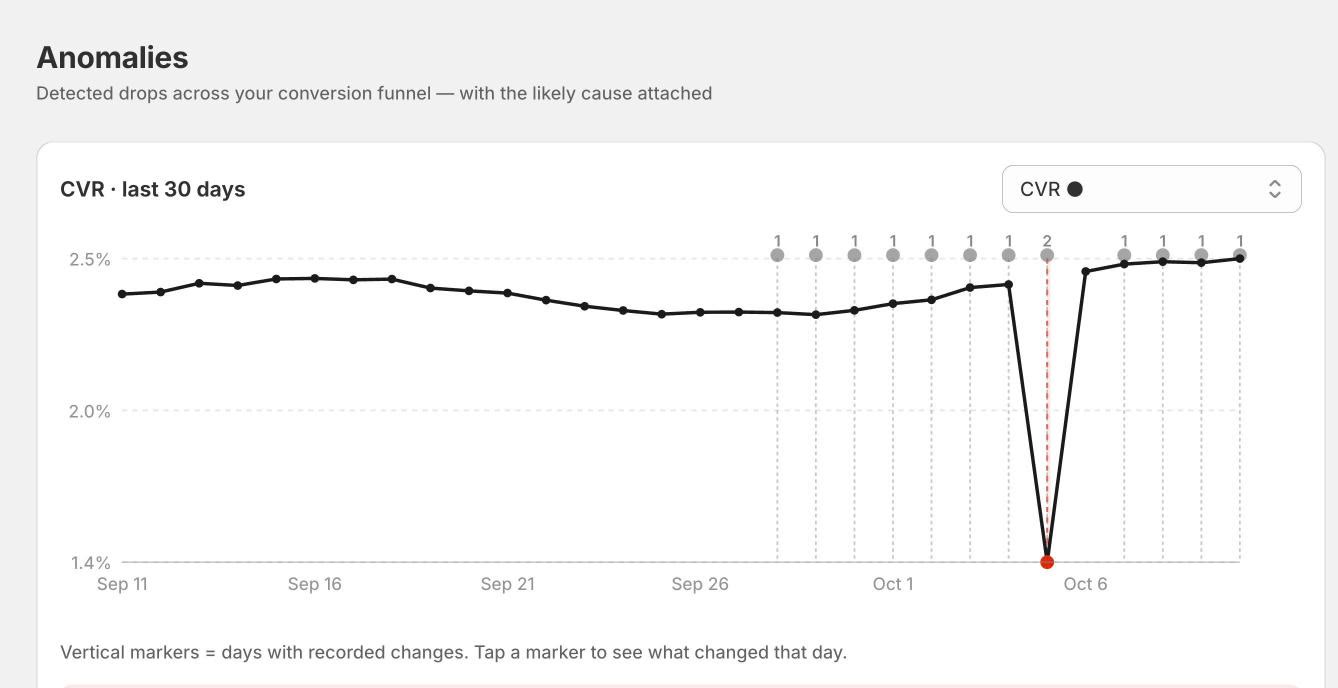
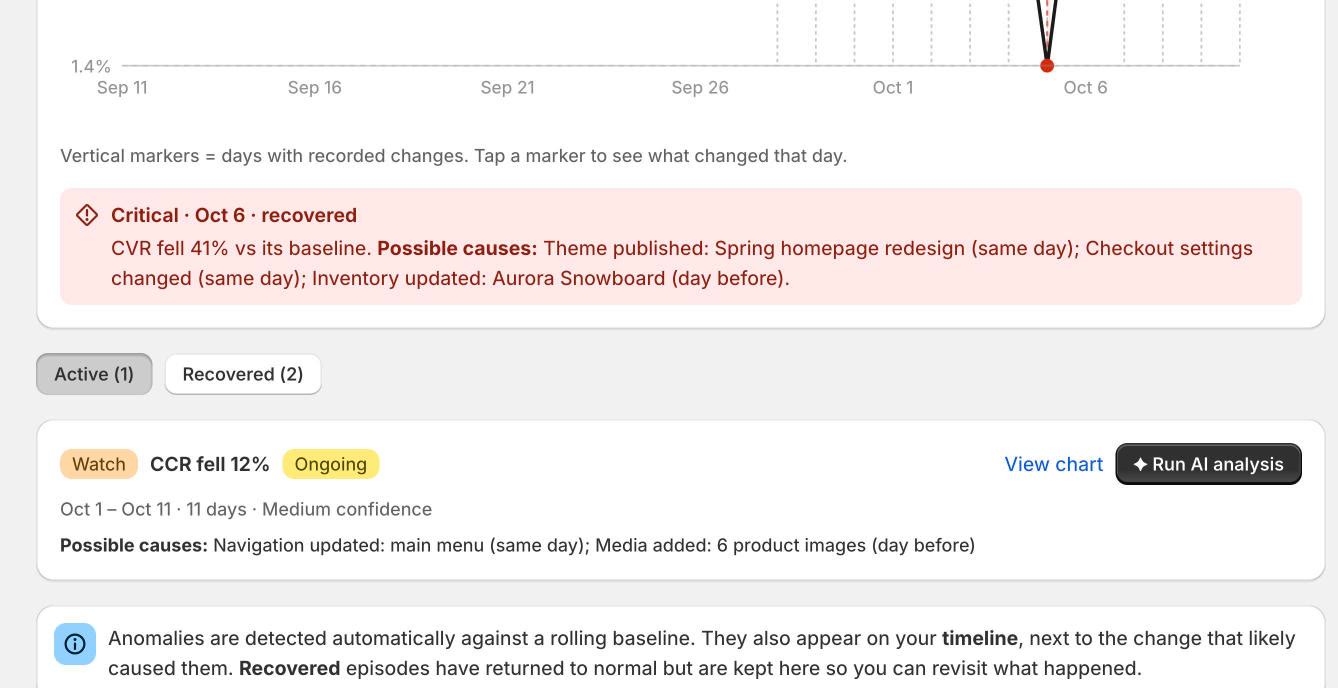
Aster learns the normal range for your conversion rate, add-to-cart rate and checkout rate, and flags a drop when one leaves it.
Aster watches your conversion funnel and your storefront. When something slips outside normal, it flags it and names the change most likely behind it.
Changes from the tools around your store, on one timeline
What Aster does
When sales look off, the first hour usually goes to asking who changed what. Aster keeps that record for you and puts it next to your numbers, so the answer is waiting when you look.
01
Aster learns the normal range for your conversion rate, add-to-cart rate and checkout rate, and flags a drop when one leaves it.
02
Each drop comes with the changes made just before it, with the most likely one at the top.
03
Theme, product, price, discount and inventory changes are recorded as they happen.
04
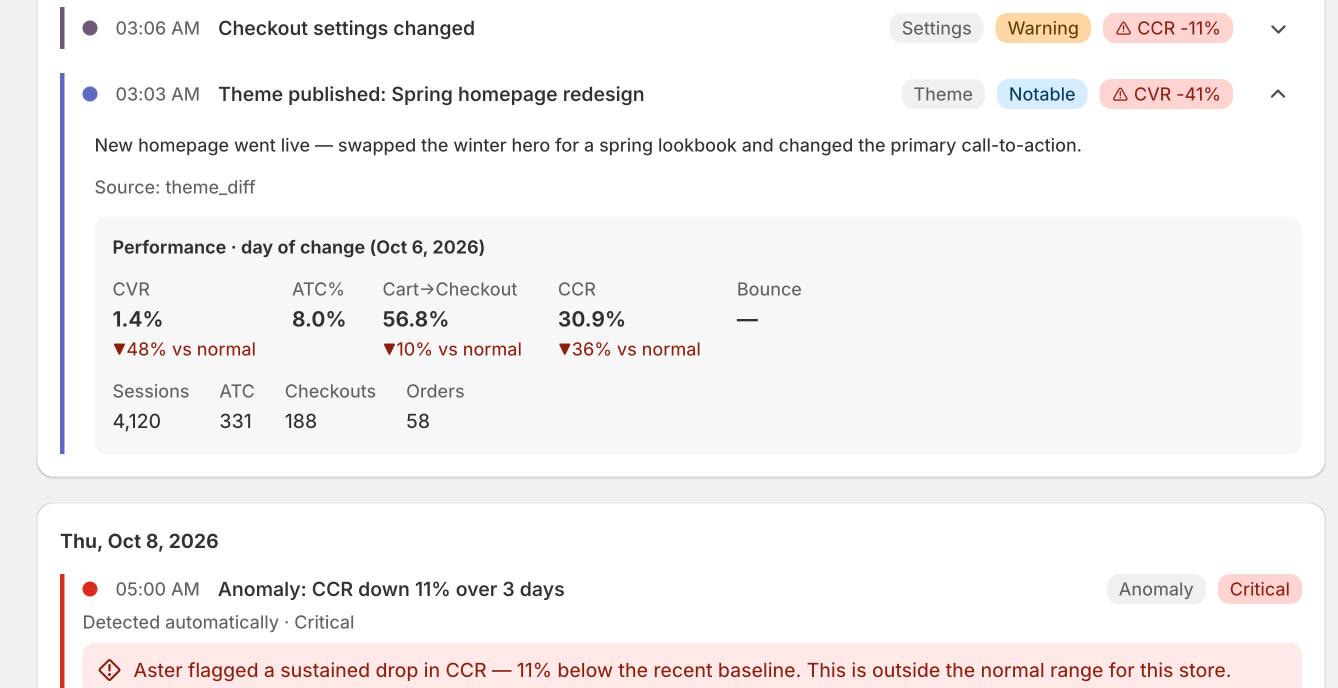
Open any change to see how the store was performing on the day it was made.
05
A theme app embed catches JavaScript and cart errors on your storefront and ranks them by how many shoppers they affect.
06
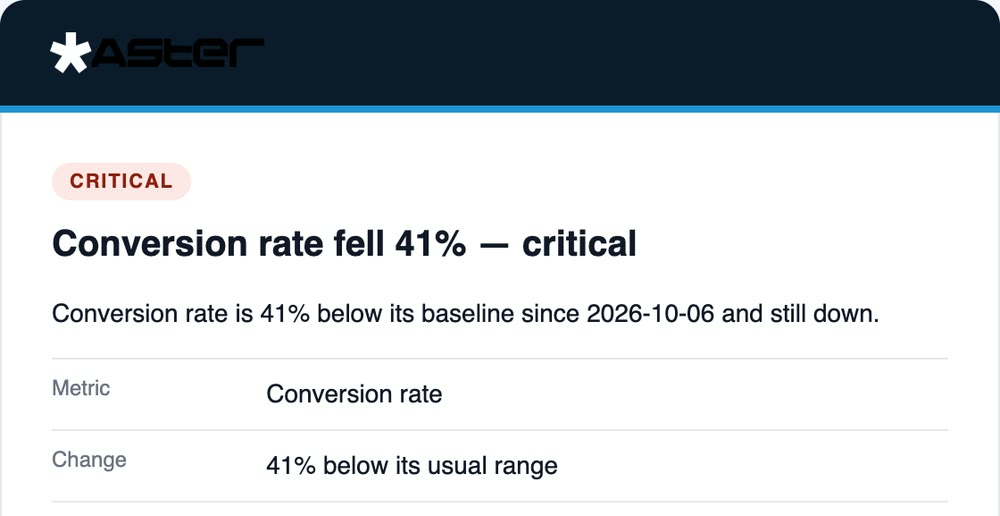
Critical drops and errors reach you by email or Slack, once per incident.
How it works
Three views share one record: the timeline of what changed, the anomalies Aster detects, and the errors it catches on your storefront.
The timeline
Every theme edit, price change, new discount and product update lands on one timeline, each stamped with how the store was doing that day. “When did we change the product page?” stops being an argument.
Anomalies
When a funnel metric slips outside its normal range, Aster flags it and lists what changed just before. Want a second opinion? Ask for an AI analysis and it walks through the evidence in plain English.
Storefront errors
A button that stopped working or a cart that will not update shows up here first, ranked by the shoppers it is hitting. So you fix the one that is costing you, not the one that is loudest.
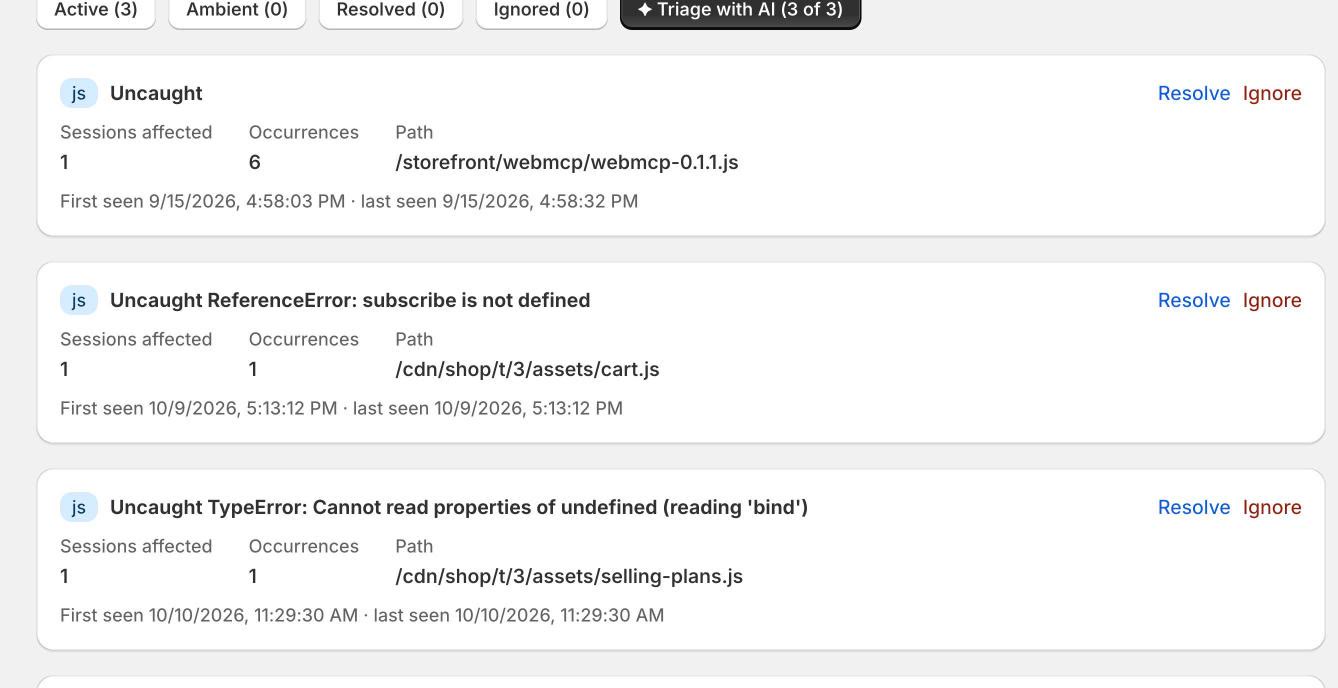
Screens show Aster on a demo store with sample data.
The cause is not always inside Shopify. Connect the tools around your store and their changes land beside your store's.
Campaign, ad set and ad changes
Campaign and bid changes
Campaign and flow sends
Commits to a headless storefront
Critical alerts in your channel
One alert per incident
Pricing
Free
$0
The record of what changed
Starter
$20 / month
Detection, causes and alerts
Billed by Shopify on your Shopify invoice. Cancel any time.
No. Error monitoring uses one app embed that you switch on in the theme editor. Nothing is written into your theme files, and switching it off removes it.
Aster looks at the changes recorded on the day of the drop and the day before, and ranks them by how closely that kind of change is tied to the metric that moved. It is shown as the likely cause, beside the other candidates, not as a verdict.
No. You ask for it on a specific anomaly. It reads the changes, errors and metrics around that drop and explains its reasoning, so you can check it.
Products, inventory, discounts, themes, content and orders, so it can record changes and measure the funnel, plus store reports for conversion metrics. It asks for read access only, and never edits your store.
There is a free plan with the change timeline. Starter is $20 a month and adds anomaly detection, error monitoring, connectors and alerts. Shopify bills it on your Shopify invoice, and you can cancel any time.
The error monitor is a small script loaded by the app embed. It listens for errors and reports them in the background; it does not change what shoppers see.
Install Aster, and the next time the numbers look off, the answer is already in front of you.